
A customer calls. He has got married and would like to change his name. A simple request.
For the employee on the phone, this means: making changes in the CRM, making changes in the billing system, making changes in the customer portal, documenting the call in one system, copying the documentation into another system. You have to follow the correct order, otherwise the systems will throw up errors. Don’t forget anything. Don’t mix things up. And all this whilst the customer is waiting.
Customer portal: yes – staff interface: no
Many municipal utilities have realized long ago that customers who navigate processes themselves – submitting a meter reading, changing tariffs, updating their address – need support. That is why there are customer portals with guided processes: step-by-step forms, automatic checks, clear prompts in the event of errors.
But what about the staff member on the phone who is carrying out the same name change for the customer? They often still work with individual system screens – without guidance, without automatic checks, without feedback on whether everything has been completed correctly. Yet they are essentially doing the same thing as the customer on the portal. Only with more responsibility and greater complexity.
What is a guided process
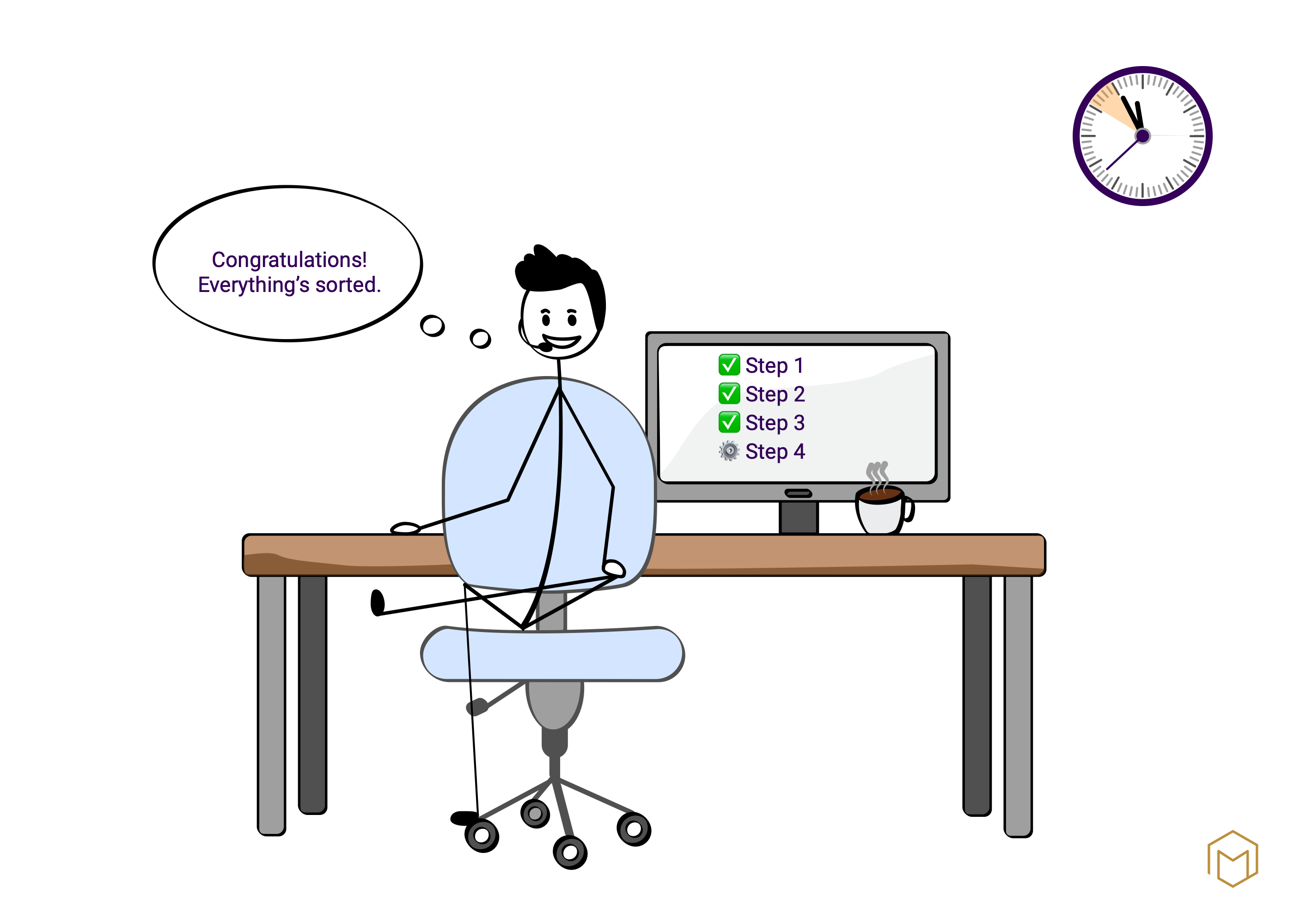
Back to the name change. With a guided process, the employee enters the new name just once. The system takes care of the rest: it carries out the changes in the correct order across all relevant systems, checks that everything is consistent, and automatically sends a confirmation to the customer.
A good guided process also includes
- sanity checks – plausibility checks that catch errors before they enter the system.
- approval steps, if certain changes require a second pair of eyes.
- a complete audit trail of all changes for future enquiries.
How does this benefit the company?
Fewer errors. Shorter processing times. Staff who can focus on the conversation with the customer rather than on navigating the system. And a data foundation that is reliable – because the process does not allow for any shortcuts.
Every step in the process leaves a trace. If these traces are complete and consistent, they can be analysed – and specifically improved.
Optimise first, then digitise
An important sequence: a poor process does not become better through digitisation – it simply becomes poor more quickly. That is why, before introducing a guided process, it is worth first checking whether the process itself makes sense. Can a step be omitted? Is there a simpler solution?
Only once the process is right is it worth investing in its digital support. But then the benefits are long-lasting – because both staff and customers benefit from it at the same time.
The customer who wanted to change their name ultimately received confirmation by email. The staff member completed the call in half the usual time. And the incorrect name no longer appears in any system.